
Your LinkedIn headshot does not live alone. It sits next to your banner, your headline, and your “Featured” section. When these elements feel consistent, your profile looks intentional and credible. When they clash-wrong colors, mismatched tone, different image styles-you quietly lose trust.
The mistake most professionals make is thinking “consistency” means looking overly branded or staged. It does not.
Consistency means your visual elements tell the same story:
- who you are
- what you do
- what kind of professional you are
- and what kind of experience people should expect when they work with you
This post explains how to align your banner and headshot so your profile feels premium, modern, and credible-without looking like an advertisement.
The goal: visual coherence, not visual sameness
A staged profile looks like a template. A coherent profile looks like a real person with a clear brand.
Your banner and headshot should align on:
- Tone (corporate vs modern vs creative)
- Color family (not exact matches, but complementary)
- Lighting/contrast level (clean vs dramatic)
- Message clarity (banner supports what the headline says)
If you nail those four, your profile feels unified even if your banner is simple.
- What “looking staged” actually is (and how to avoid it)
Your LinkedIn banner looks staged when:
- it is packed with text like a flyer
- it includes too many logos, badges, and taglines
- it feels like an ad rather than a professional header
- it uses stock imagery that doesn’t match your headshot
- it tries too hard to “sell” immediately
How to avoid it: Keep the banner as a support element. Your headshot is the focal point. The banner should provide context, not compete.
Step 1: Choose your profile tone (pick one)
Before you design anything, decide what your profile should feel like at a glance.
Tone A: Classic corporate
Best for: finance, legal, executives, enterprise, government, healthcare leadership Visual traits:
- clean, neutral colors (navy, charcoal, gray, white)
- minimal text
- simple shapes, subtle gradients
- professional typography
Tone B: Modern professional
- Best for: tech, consulting, HR, founders, mid-level leaders
Visual traits:
- slightly brighter neutrals
- one accent color (subtle)
- modern typeface
- simple design with some personality
Tone C: Personal brand / creative
- Best for: entrepreneurs, creatives, coaches, speakers
Visual traits:
- stronger brand color usage
- minimal but intentional message
- optional lifestyle imagery (still quiet)
- design that feels human, not corporate
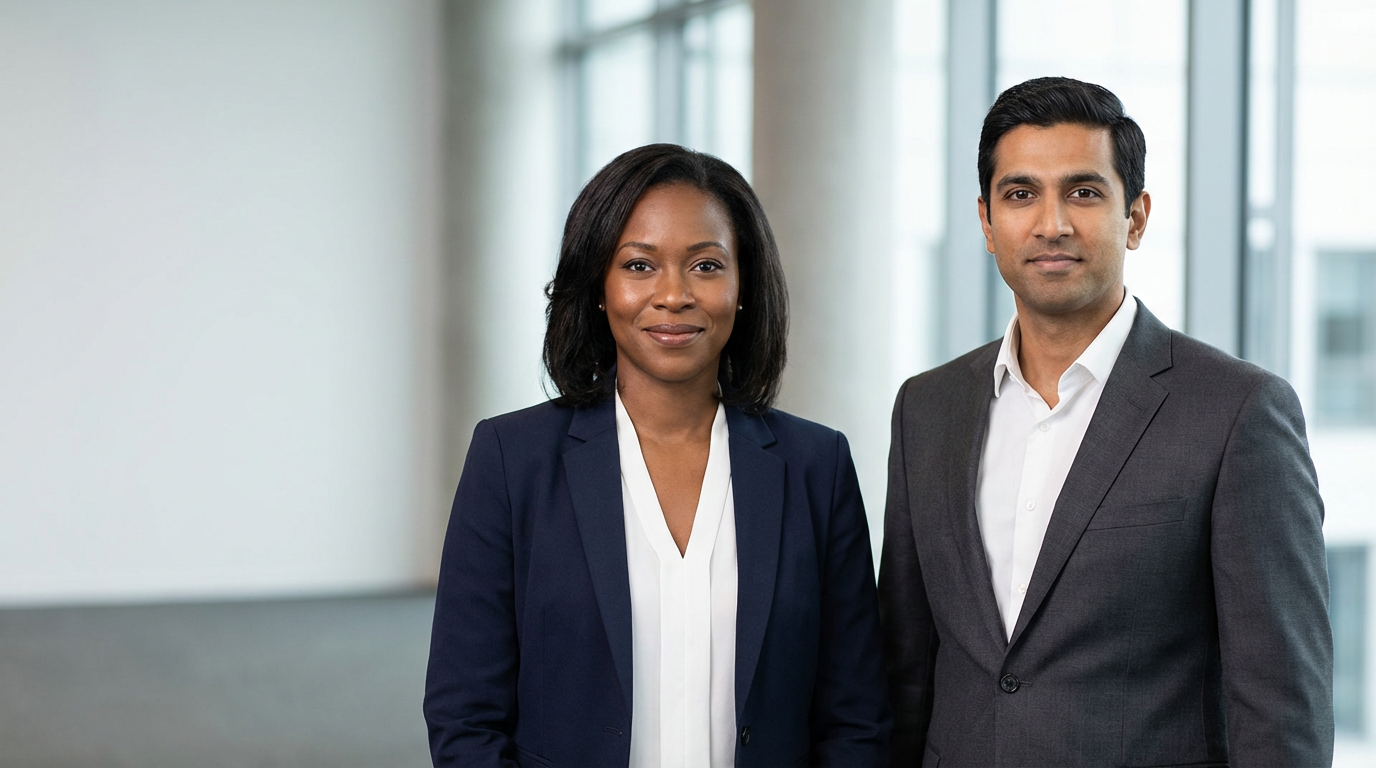
Rule: Your tone should match your audience’s expectations. “Creative” can still be professional. “Corporate” can still be warm.
Step 2: Match your headshot style to your banner style
This is where most mismatches happen.
- If your headshot is a clean studio portrait
Your banner should be:
- minimal, clean, and quiet
- low visual clutter
- subtle color and texture
Avoid: busy photo banners, loud patterns, high-contrast imagery.
- If your headshot is environmental (office/lifestyle)
Your banner can be:
- more contextual
- slightly more visual
- still quiet and not competing
Avoid: stock imagery that clashes with your real environment or lighting.
- If your headshot has dramatic lighting (rare for LinkedIn)
Your banner must be restrained. Otherwise the profile becomes visually heavy and intense.
Professional default: clean headshot + quiet banner wins on LinkedIn for most industries.
Step 3: Use color harmony (not exact matching)
Consistency does not mean your jacket color must match your banner. It means the colors do not fight.
- Easy color approaches that always work
- Neutral banner + one accent color
- Brand color used lightly (thin line, small block, subtle gradient)
- Muted color family (soft blues, grays, warm neutrals)
- What causes clashing
- neon colors next to a neutral headshot
- very warm banner (orange/yellow) with cool-toned headshot
- highly saturated colors that overpower the face
- multiple accent colors without structure
Rule: Your banner should never be louder than your face.
Step 4: Respect LinkedIn’s safe zones (so your design doesn’t get covered)
LinkedIn banners get covered by your profile photo and sometimes UI elements depending on device.
Best practice:
- keep important text and logos toward the center-right
- avoid placing key content near the bottom-left (profile photo overlap area)
- leave generous negative space
This alone prevents many “why does my banner look wrong?” problems.
Step 5: Decide how much text belongs on the banner (usually less than you think)
For most professionals, the best banner is either:
- no text (simple design), or
- very limited text (one line), or
- one line + a small credibility cue
- Good banner text examples (simple and non-staged)
- “Operations Leader | Scaling teams and systems”
- “Corporate Attorney | M&A • Compliance • Risk”
- “Helping HR teams standardize onboarding and internal comms”
- “Executive Headshots | Greater Boston & MetroWest”
- “Founder | Building [Company]”
- What to avoid
- long paragraphs
- 6-10 buzzwords
- “Call now” style CTAs
- too many contact points (email, phone, website, QR code) all at once
LinkedIn already gives people ways to contact you. Your banner is not a billboard.
Step 6: Align banner imagery with your professional narrative
If you choose imagery, it should reinforce your story.
Examples:

- A consultant: subtle abstract background or refined workspace texture
- A healthcare leader: calm colors, clean design, no chaos
A speaker: minimal, premium feel; optionally a very subtle stage image, heavily simplified
A photographer: a quiet portfolio-style texture or minimal brand mark (not a busy collage)
Rule: The banner supports the headline. If the banner communicates something different than the headline, trust drops.
Step 7: Make your headshot and banner feel like the same “brand day”
Even if they were created separately, you can unify them by matching:
- color temperature (warm vs cool)
- contrast level (soft vs crisp)
- overall mood (approachable vs intense)
If your headshot is cool-toned and crisp, do not pair it with a warm, saturated, high-energy banner. The mismatch is subtle, but viewers feel it.
- Quick “not staged” banner templates (copy-ready ideas)
- Template 1: The minimalist professional
- Solid or subtle gradient background in neutral tones
- No text or one short line
- Optional small logo/mark
- Best for: executives, finance, legal, corporate roles
- Template 2: The modern specialist
- Neutral background + one accent color bar
- One-line descriptor of focus
- Minimal icon or logo
- Best for: consultants, HR, tech, managers
- Template 3: The personal brand
- Simple background + one brand color
- One-line promise (what you help people do)
- Optional small website (only if it’s central to your brand)
- Best for: founders, coaches, speakers, creatives
Checklist: does your banner match your headshot?
Use this checklist and you’ll catch most issues immediately:
- Banner is quieter than the headshot (face remains focal point)
- Colors complement the headshot’s tone (warm/cool harmony)
- Text is minimal and readable (if used)
- Important content is in safe zone (not covered)
- Banner message supports the headline (no mismatch)
- Overall style matches industry expectations (corporate/modern/creative)
- Nothing looks like an ad (no heavy CTAs, clutter, or stock-photo chaos)
- FAQ (schema-friendly)
Should I put my website and phone number on my LinkedIn banner? Usually no. It can look salesy and staged. LinkedIn already provides contact options. If you include a website, keep it subtle and minimal.
Do I need a banner at all? If you want a more premium and complete profile, yes. A clean banner makes your profile feel intentional. Even a simple neutral banner is better than the default.
Can my banner be a photo? Yes, but keep it quiet and low-contrast. Avoid busy scenes and high-saturation imagery that competes with your headshot.
How do I keep my profile from looking overly branded? Use restraint: minimal text, one accent color, and a design that supports your professional story rather than selling.
Ready to Get Started?
A LinkedIn headshot performs best when the entire top of your profile is coherent-photo, banner, headline, and Featured links working together.
If you want a LinkedIn-ready headshot and a visual plan that keeps your profile consistent-without looking staged-book a consultation and we’ll design the right look (studio or environmental), crops, and usage set for your role.
Book a Consultation | View Session Options & Pricing | See the Portfolio